From Small Keepsakes to Wall Displays: Photo Print Sizes Explained
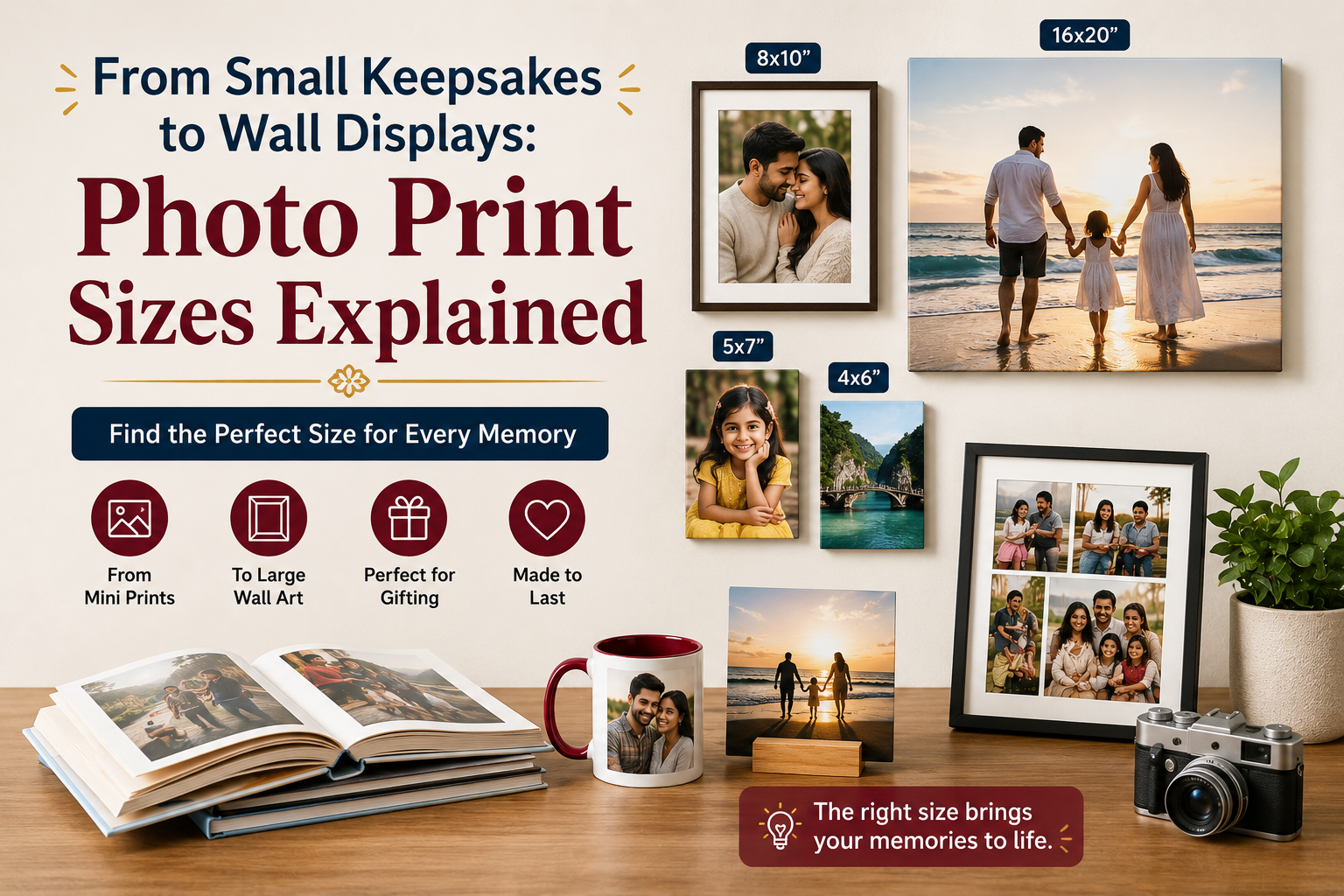
A photograph that looks sharp on a phone may not suit every print size. The right dimensions depend on its resolution, shape, intended display, and acceptable crop. A poor choice can remove details or look too small for the location.
This guide explains how common Photo Prints work for albums, frames, gifts, desks, and walls. Check the available sizes and preview before ordering from CanvasChamp.
Start with the Photo’s Aspect Ratio
Aspect ratio describes the relationship between an image’s width and height. Phone, square, panoramic, and camera images can have different proportions.
If the selected print has a different ratio, the image must be cropped or given blank space. A wide group picture may lose people when forced into a square.
Before placing an order:
- Check the complete preview rather than only the center.
- Keep faces, text, and important objects away from trim lines.
- Compare portrait and landscape orientations.
- Avoid stretching the image to fill a different shape.
- Select another size if the crop removes essential details.
4 × 6 Inches: Everyday Prints and Albums
The 4 × 6-inch format is a familiar choice for casual photographs. It works well for holiday pictures, school events, family gatherings, travel memories, and everyday snapshots.
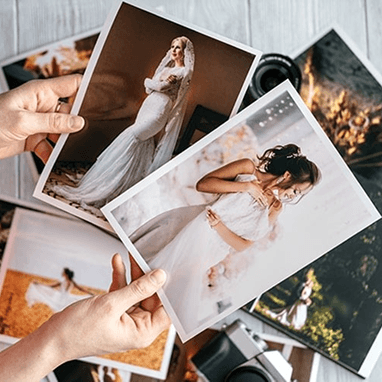
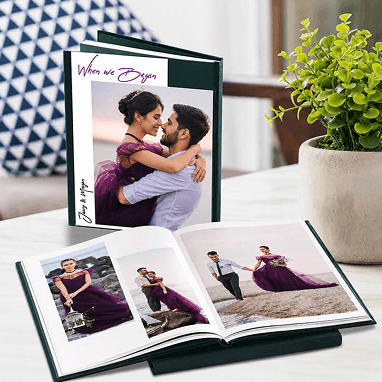
This size is easy to store in albums and memory boxes. A set of 4 × 6 prints can document an entire birthday, festival, or trip affordably. For wedding memories, these smaller prints can also be arranged chronologically in a wedding photo album.
Because the format is relatively small, avoid using distant group pictures with tiny faces. Choose images with a clear subject and simple composition.
5 × 7 Inches: Small Frames and Gift Displays
A 5 × 7-inch print adds presence without requiring much space. It suits desks, bookshelves, and compact wall arrangements.
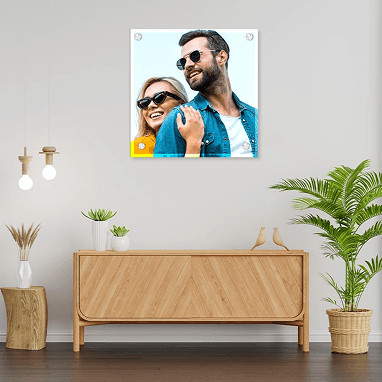
This size works well for portraits, couple photographs, children’s pictures, and graduation memories. It can also be included with handwritten cards or used as part of personal photo gifts for birthdays, anniversaries, and festivals.
Check the frame opening before printing. Some frames overlap the photograph slightly, so keep faces and text away from the outer border.
8 × 10 Inches: Portraits and Statement Frames
An 8 × 10-inch print shows facial details clearly while remaining manageable. It suits wedding portraits, family pictures, and studio images.
The proportions of 8 × 10 may not match a standard camera file. Cropping is often required, so check whether the top of a hairstyle, clothing, hands, or people at the sides remain visible.
A single 8 × 10 photograph can stand alone in a frame. Several prints of this size can also form a structured gallery wall, provided the spacing and frame styles remain consistent.
Square Prints: Social Photos and Grid Displays
Square formats suit images already composed in a 1:1 ratio. They work particularly well for food photographs, close-up portraits, pets, travel details, artwork, and images prepared for square social-media posts.
Use square prints in a grid. Equal dimensions and spacing connect photographs from different occasions. This layout suits desks, hallways, and compact feature walls.
Do not crop a wide photograph into a square unless the main subject fits comfortably in the center. A group image or broad scenic view usually needs a rectangular format.
12 × 18 Inches and Larger: Wall Displays
Larger prints suit photographs viewed from across a room, including scenic views, architecture, family portraits, and wedding images.
Image quality becomes more important as dimensions increase. Zoom into the original file and inspect it for blur, noise, compression, and missed focus. A photograph downloaded from a messaging app may have lost detail even if it still looks good on a small screen.
Mark the proposed dimensions on the wall with painter’s tape. A print may feel large in your hands but look undersized above a wide sofa or bed.
How Much Resolution Does a Print Need?
A larger print requires more pixels to maintain detail. Quality also depends on focus, lighting, compression, editing, and viewing distance.
Use the original file from the camera or phone whenever possible. Avoid screenshots, social-media downloads, and repeatedly forwarded images. If the ordering tool warns that the image quality is low, choose a smaller size or upload a better file.
Do not rely only on file size in megabytes. A heavily edited or compressed photograph can occupy storage without containing clean detail.
Match the Size to Its Purpose
Ask where the photograph will go before selecting dimensions:
- Albums and memory boxes: smaller formats are easier to arrange and store.
- Desk and shelf frames: choose a size that does not dominate the surface.
- Gift frames: consider the recipient’s available space and décor.
- Gallery walls: plan the complete arrangement and spacing first.
- Standalone wall art: use a larger size with enough resolution.
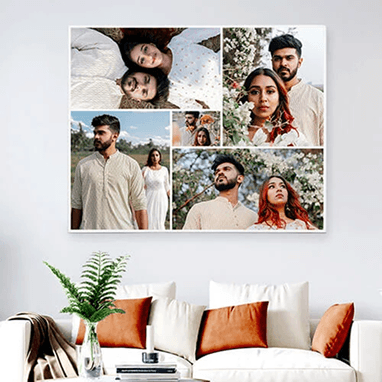
- Collages: make sure individual faces remain visible in the final dimensions.
Small prints are not automatically less meaningful, and large prints are not always more impressive. The photograph, display position, and surrounding space should guide the choice.
Final Checks Before Ordering
Review the crop, orientation, dimensions, quality warning, finish, quantity, and address. Inspect every face and check any text for errors.
CanvasChamp offers ways to turn digital memories into printed keepsakes for albums, frames, gifts, and home displays. Begin with the original image, select proportions that respect the composition, and preview the complete print before checkout.
The best size is the one that preserves the important parts of the photograph and suits how it will be used. A well-chosen small print can keep a personal memory close, while a carefully prepared enlargement can give a favorite image the wall space it deserves.



Creative Canvas Print Options to Personalize Your Walls